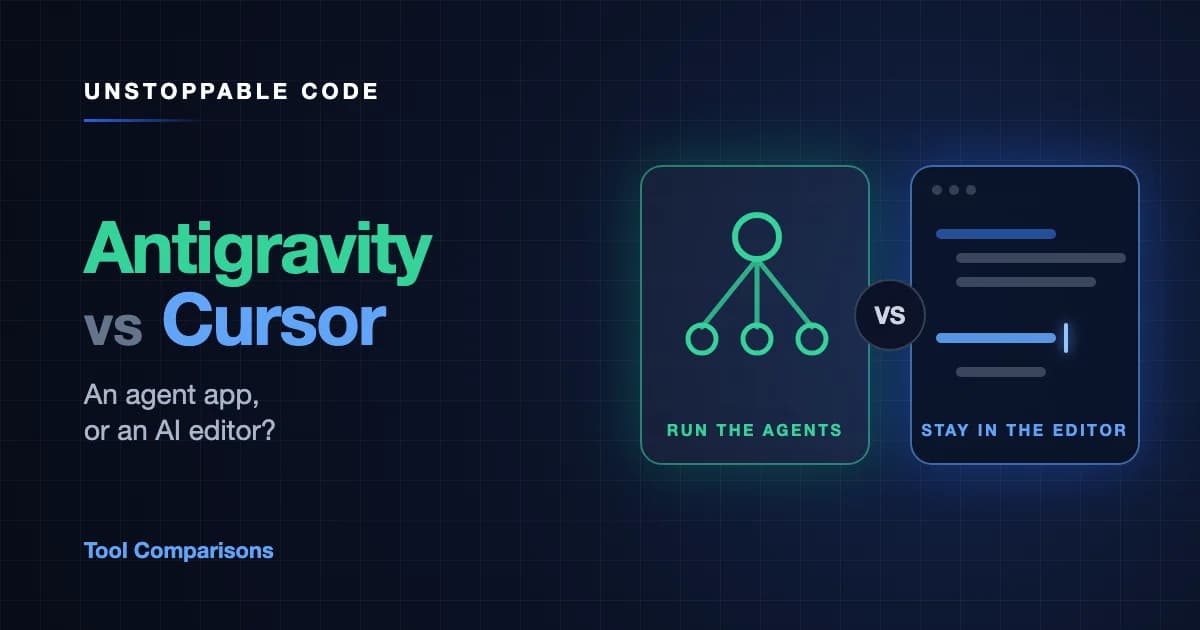

Antigravity vs Cursor comes down to where you want the agent to live: Google Antigravity is now mainly a desktop app for running agents with no editor, and Cursor is an AI code editor with an agent built in. Antigravity runs Google's Gemini models for free and adds Claude on Google AI plans. Cursor sells its own plans, and since SpaceX bought it in August 2026 every plan includes Grok models.
The Short Answer
| Google Antigravity | Cursor | |
|---|---|---|
| Made by | Anysphere, part of SpaceX since August 2026 | |
| What it is | An agent app, a CLI, an IDE and extensions for other editors | An AI code editor with an agent, Tab autocomplete, a CLI and cloud agents |
| Main way you work | Give agents tasks in the Antigravity app and check their results | Write code in the editor with the agent next to you |
| Models | Gemini on every plan, Claude Sonnet and Opus on Google AI Pro and Ultra | Grok on every plan, other providers at API list price on Premium and up |
| Free option | Yes, a weekly quota with no subscription | Yes, a Free plan |
| Paid for individuals | Google AI Pro $19.99 a month, Ultra from $99.99 | Plus $8 (Grok only), Premium $30, Super $100, Ultra $200 |
| Teams | Through Google Cloud, from $30 a seat or pay as you go | Teams, from $30 per user a month |
| Runs on | macOS, Windows, Linux | macOS, Windows, Linux |
| Best for | Handing off tasks and running several agents at once | Hands-on coding where you shape every change |
What Google Antigravity is in 2026
Google launched Antigravity on November 18, 2025, alongside Gemini 3. Back then it was an editor with a second screen, the Agent Manager, where you could start several agents and watch them work. Agents handed back Artifacts, like plans and screenshots, so you could check what they did without reading every tool call.
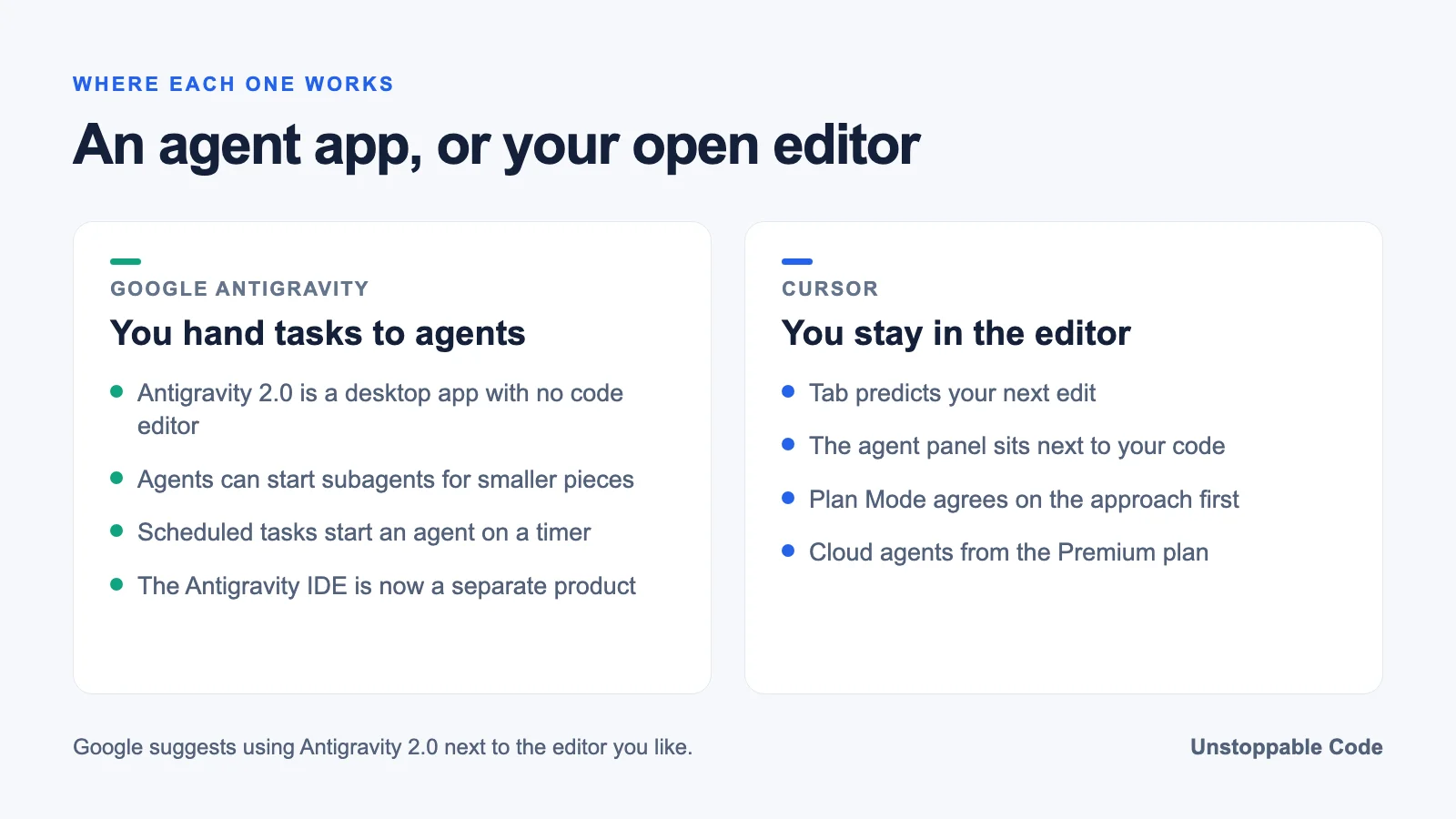
That changed on May 19, 2026. Google released Antigravity 2.0 as a standalone desktop app and said plainly that "there is no IDE" in it. You talk to agents and they can spin up subagents for smaller pieces of a task. Scheduled tasks can even start an agent on a timer.
The old editor didn't go away. It lives on as a separate product called the Antigravity IDE, and Google says it plans to take the Agent Manager out of it. Google also ships a CLI. Extensions bring Antigravity agents into VS Code, JetBrains IDEs, Visual Studio, Zed, Xcode and a few other editors.
Google's own advice is to use the app next to the editor you already like. Its 2.0 announcement says "We recommend dual-wielding Antigravity 2.0 with your IDE of choice, whether it is the Antigravity IDE or otherwise." So when people search "Antigravity vs Cursor" today, they're really comparing an agent app with an editor.
What Cursor is in 2026
Cursor is still an editor first. You type and Tab predicts your next edit. When you want more, the agent panel sits next to your code and makes changes you can watch. Plan Mode lets you agree on the approach before the agent starts.
Cursor has been growing toward agents too. It has a CLI now. It also has cloud agents that run in their own virtual machines, and Cursor's docs say you can run as many of them in parallel as you want. Cloud agents need the Premium plan or higher.
The big change this year was ownership. SpaceX closed its purchase of Cursor on August 14, 2026, and the plans were rebuilt around Grok. Plus at $8 a month runs Grok models only. Premium at $30 adds cloud agents and Bugbot code reviews. It also opens up other providers' models, which you pay for at API list price.
How the models compare
This is where the two really split. Antigravity is built around Google's Gemini models, and the free tier runs on them. Google AI Pro and Ultra open up the full Gemini 4 family plus Claude Sonnet 5.5 and Opus 5.5 from Anthropic.
Cursor leads with Grok. If you want Claude or other providers' models in Cursor, you need Premium or higher and you pay for that usage separately.
So if you want Claude's newest models included in your plan, Google AI Pro covers them in Antigravity. If you're happy on Grok, Cursor Plus at $8 a month is the lowest paid plan of the two.
How the pricing compares
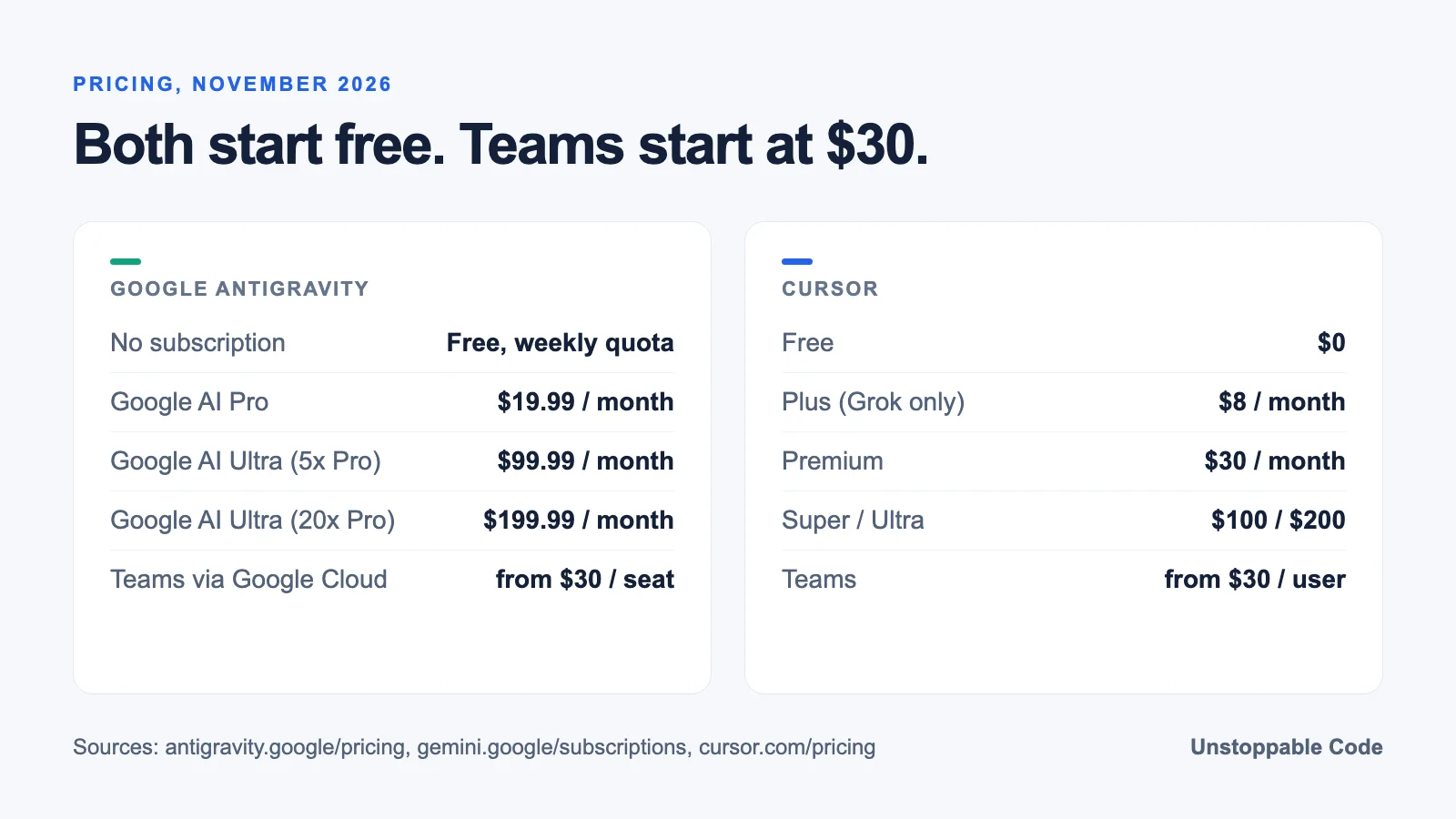
Antigravity has no subscription of its own. Anyone can use it free with a weekly quota. Google AI Pro at $19.99 a month raises the limits and refreshes your agent quota every five hours. Ultra costs $99.99 a month for 5x Pro's usage or $199.99 for 20x.
Cursor starts with a Free plan, then Plus at $8, Premium at $30, Super at $100 and Ultra at $200 a month.
For teams the starting price is the same. Google sells Antigravity to businesses through Google Cloud with Standard and Plus plans from $30 a seat a month, or pay as you go with no seat fee. Cursor Teams starts at $30 per user a month.
Which one should you pick?
Pick Cursor if you like writing code yourself and want AI on every keystroke. It's the more familiar setup, and the agent works in the file you're already looking at.
Pick Antigravity if you'd rather hand tasks to agents and review what comes back. It's also the cheaper way to get Claude Sonnet and Opus if you already pay for Google AI Pro.
You don't have to choose only one, either. Google's own advice is to run Antigravity next to an editor, and Cursor is an editor.
Running more than one agent
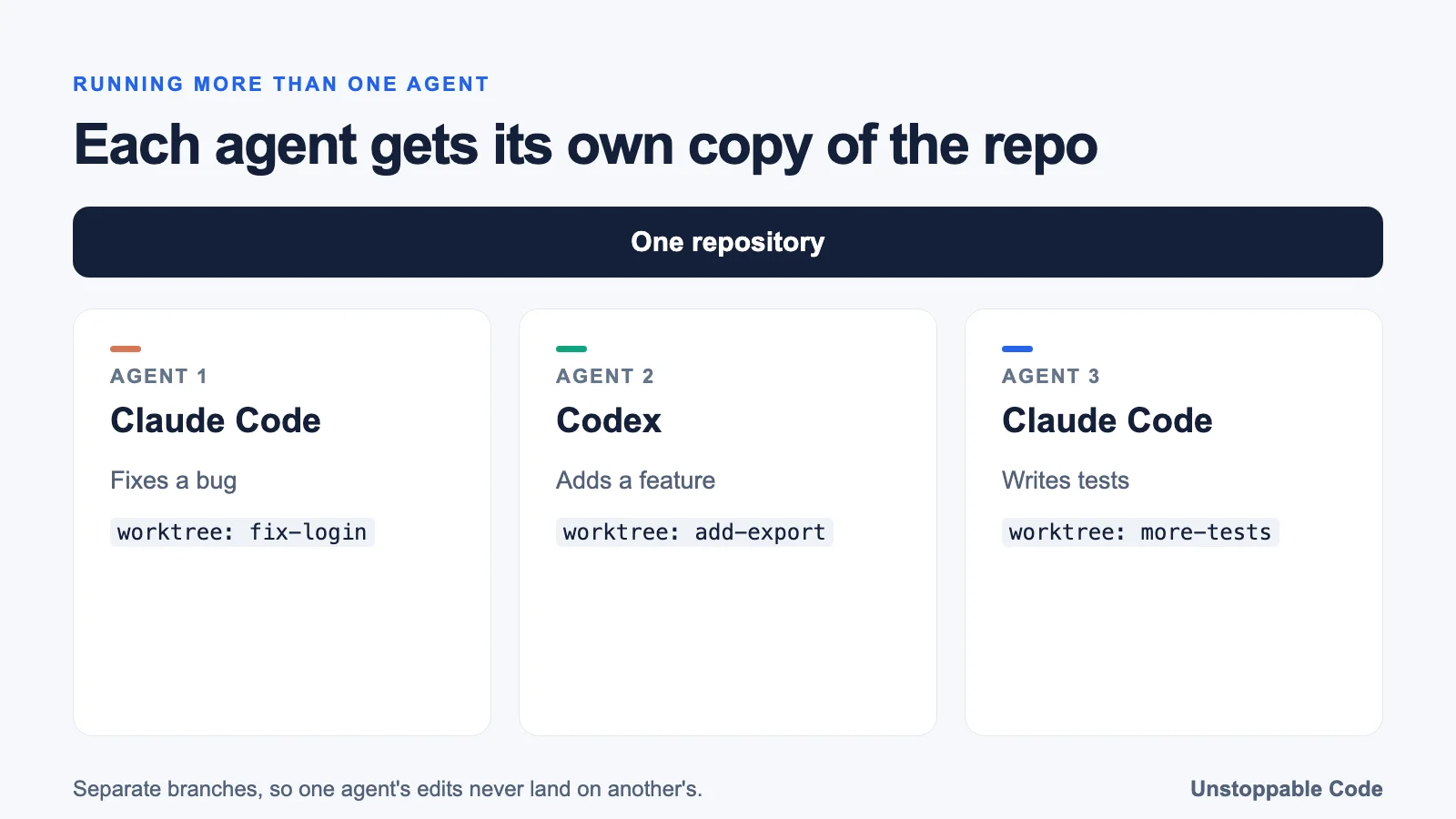
Once you run more than one agent on the same repo, you need to keep their changes apart. Antigravity 2.0 groups agents by project and Cursor runs cloud agents in separate machines, but if you also use Claude Code or Codex you're juggling a few apps.
That's the problem we built Unstoppable Code for. It's our app for running AI coding agents side by side. I sign in with my Claude and ChatGPT accounts and each chat gets its own git worktree, a separate copy of the repo on its own branch, so one agent's edits never land on top of another's. We wrote more about the difference between an AI editor and an agent app in AI IDE vs. Agentic Development Environment, and compared Cursor with our app in Cursor vs Unstoppable. If you're new to parallel agents, start with how to run multiple AI agents at once.
Frequently Asked Questions
What is the difference between Antigravity and Cursor? Google Antigravity is an agent platform whose main product, Antigravity 2.0, is a desktop app with no code editor where you give tasks to agents. Cursor is an AI code editor with Tab autocomplete and an agent that works next to you, plus a CLI and cloud agents.
Is Antigravity better than Cursor? Neither is better for every job. Antigravity fits work you want to hand off to agents. Cursor fits code you want to write and steer in the editor yourself.
Is Google Antigravity free? Yes. Antigravity has a free tier with a weekly quota and no subscription. Google AI Pro at $19.99 a month and Ultra from $99.99 a month give you higher limits and newer models.
Does Antigravity still have an IDE? Yes. Since May 2026 the editor is a separate product called the Antigravity IDE, next to the Antigravity 2.0 app. Google says it plans to remove the Agent Manager from the IDE.
Which models can you use in Antigravity and Cursor? Antigravity runs Gemini models on every plan and adds Claude Sonnet 5.5 and Opus 5.5 on Google AI Pro and Ultra. Cursor includes Grok models on every plan and offers other providers at API list price on Premium and higher.
Sources
- Introducing Google Antigravity, Google, November 18, 2025, checked November 25, 2026.
- Introducing Google Antigravity 2.0, Google, May 19, 2026, checked November 25, 2026.
- Pricing, Google Antigravity, checked November 25, 2026.
- Extensions for other editors, Google Antigravity docs, checked November 25, 2026.
- Changelog, Google Antigravity docs, checked November 25, 2026.
- Google AI plans, Google, checked November 25, 2026.
- The Pulse: Antigravity 2.0 takes "IDE" out of its new IDE, The Pragmatic Engineer, June 11, 2026, checked November 25, 2026.
- Pricing, Cursor, checked November 25, 2026.
- Cloud Agents, Cursor Docs, checked November 25, 2026.
- Agent overview, Cursor Docs, checked November 25, 2026.
- Cursor blog: Cursor is now a part of SpaceX, August 14, 2026, checked November 25, 2026.