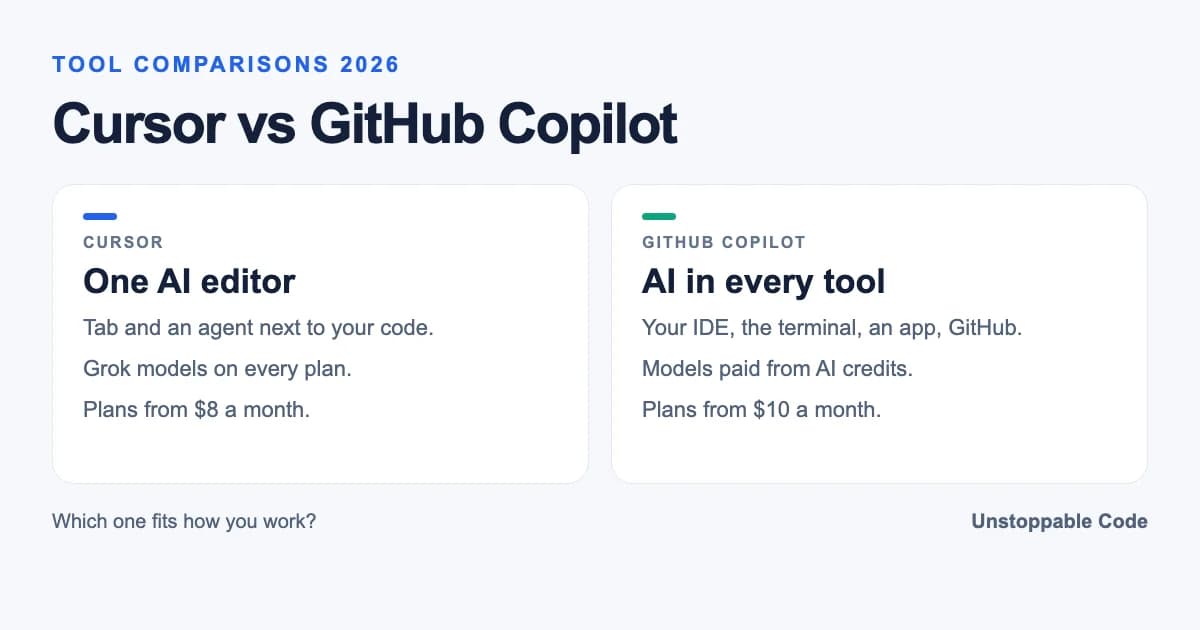

Cursor vs GitHub Copilot comes down to where you want AI to show up: Cursor is one AI code editor with its own agent, and GitHub Copilot works inside the editor you already use and across GitHub's own tools. Cursor's plans now lead with Grok models. Copilot plans include Claude and GPT models among others, paid for out of a monthly allowance of AI credits.
The Short Answer
| Cursor | GitHub Copilot | |
|---|---|---|
| Made by | Anysphere, part of SpaceX since August 2026 | GitHub |
| What it is | An AI code editor with an agent, Tab autocomplete, a CLI and cloud agents | An assistant and agents in your IDE, a CLI, the GitHub Copilot app and GitHub.com |
| Editors | Cursor, plus its agent in JetBrains IDEs on paid plans | VS Code, Visual Studio, JetBrains IDEs, Eclipse and Xcode |
| Models | Grok on every paid plan, other providers at API list price on Premium and up | Claude, GPT, Gemini and Grok, paid from AI credits |
| Free option | Yes, a Free plan | Yes, Copilot Free |
| Paid for individuals | Plus $8 (Grok only), Premium $30, Super $100, Ultra $200 | Pro $10, Pro+ $39, Max $100 |
| Teams | Teams from $30 per user a month | Business $19 a seat, Enterprise $39 a seat |
| Best for | Writing code in one editor built around AI | Teams whose work starts and ends on GitHub |
What Cursor is in 2026
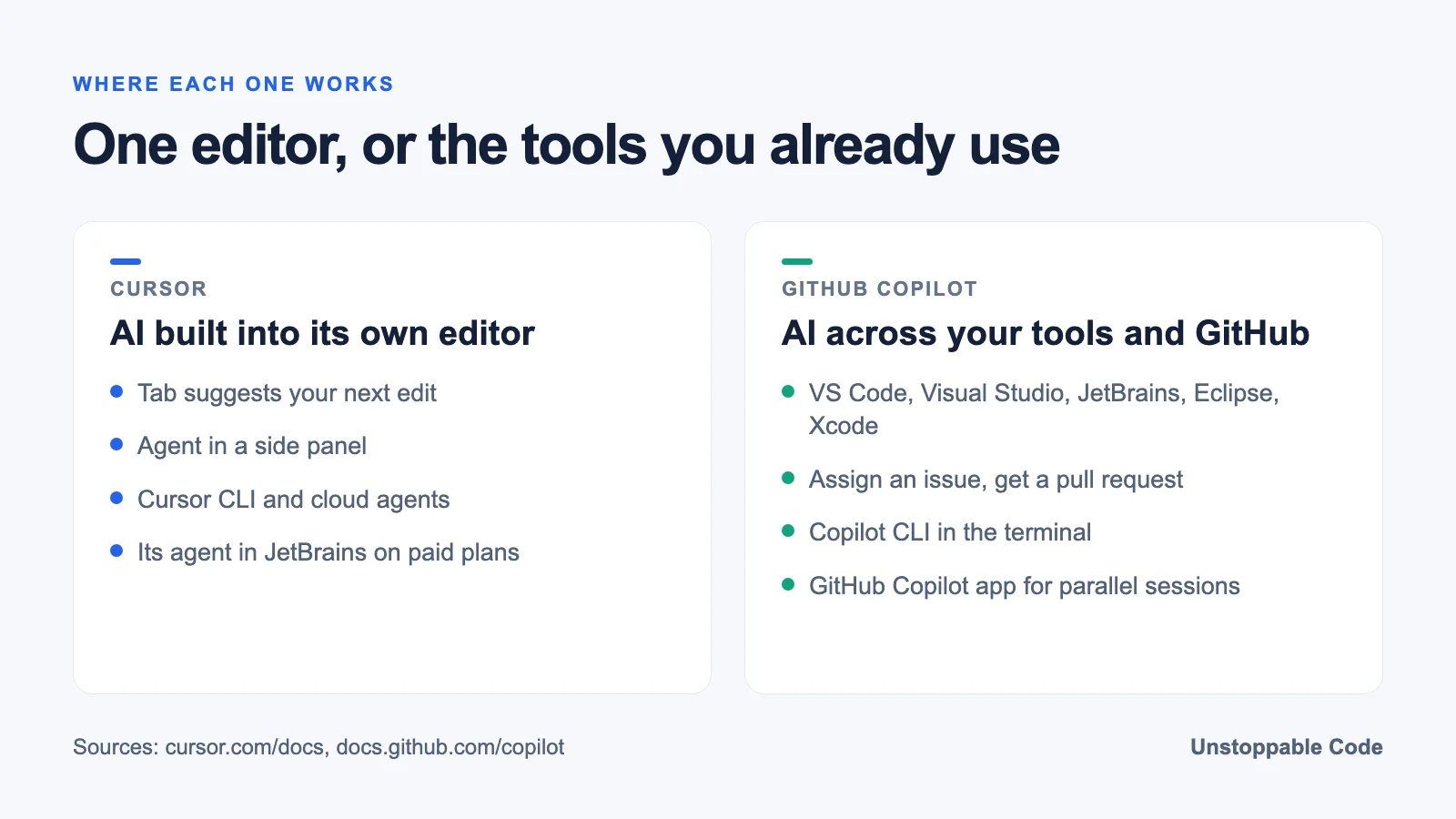
Cursor is an editor first. You open your project in it and Tab suggests your next edit as you type. When you want more than a suggestion, the agent sits in a side panel and edits files and runs terminal commands. It keeps going until the task is done. For a bigger job, like a migration, Cursor's Projects feature has a coordinator agent plan the work and hand pieces to other agents.
The agent also runs outside the editor now. There's a Cursor CLI. Cloud agents run in their own virtual machines with your repo and its dependencies already set up, and Cursor's docs say you can run as many of them in parallel as you want. Bugbot reviews pull requests. If you live in IntelliJ or PyCharm, a paid Cursor plan lets you use its agent there through the Agent Client Protocol.
The other big change this year was ownership. SpaceX completed its purchase of Cursor, announced on August 14, 2026. Today one Cursor subscription also covers the Grok app, and both draw on a single pool of AI usage.
What GitHub Copilot is in 2026
Copilot started as autocomplete. It's much wider than that now. GitHub's docs list Copilot in VS Code, Visual Studio, JetBrains IDEs, Eclipse and Xcode. In those editors you get inline suggestions and chat, plus an agent mode that edits files and runs commands while you watch.
You can also hand work off. Assign an issue to Copilot on GitHub.com and the cloud agent works on a branch and opens a pull request for you to review. Copilot CLI does agent work from the terminal.
The newest piece is the GitHub Copilot app, a desktop app that became generally available on June 17, 2026 and opened to every Copilot plan on July 7. It runs several agent sessions at once, each on its own branch and git worktree, and you can start a session straight from an issue or a pull request.
How the models compare
Cursor leads with Grok. The $8 Plus plan runs Grok models only. Premium and higher give you more Grok usage, and models from other providers are still available in Cursor, but you pay for them separately at API list price.
Copilot goes the other way. Its model list covers Anthropic's Claude, OpenAI's GPT, Google's Gemini and xAI's Grok. Free plans only get automatic model selection. Pro gets a selection of models and Pro+ adds the premium ones. Whatever you pick, each request comes out of your monthly AI credits and the bigger models use more of them.
So if you want Claude or GPT models covered by your subscription, Copilot includes them. If Grok works for you, Cursor Plus is the cheapest paid plan of the two.
How the pricing compares
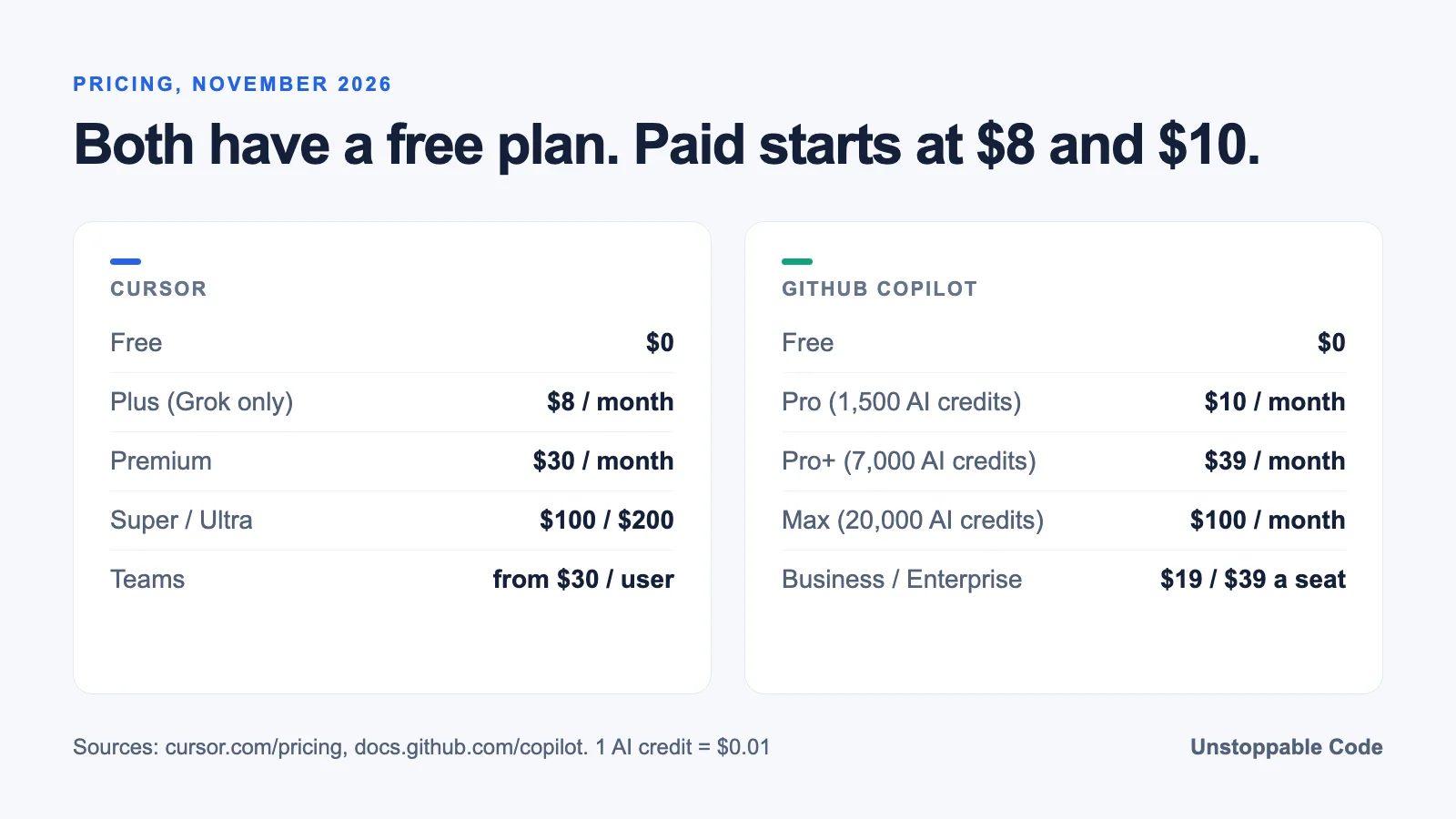
Copilot counts usage in GitHub AI Credits, and one credit is worth one cent. Pro costs $10 a month and includes 1,500 credits. Pro+ costs $39 for 7,000 and Max costs $100 for 20,000. For companies, Copilot Business is $19 a seat and Enterprise is $39 a seat.
Cursor has a Free plan, then Plus at $8 a month, Premium at $30, Super at $100 and Ultra at $200. Cloud agents and Bugbot reviews start at Premium. Cursor's included usage refreshes weekly, while Copilot's AI credits reset monthly. Cursor Teams starts at $30 per user a month.
Which one should you pick?
Pick Cursor if you want one editor where AI is part of every keystroke and you're happy to move your work into it. The agent works right next to your code, and cloud agents take the bigger jobs off your machine.
Pick GitHub Copilot if your team already runs on GitHub and you don't want everyone to switch editors. It also makes sense if you want models from several providers under one subscription, or if work usually starts as an issue and ends as a pull request.
You can also keep both. You can keep Copilot in VS Code or JetBrains IDEs while you try Cursor on the side.
When you run more than one agent
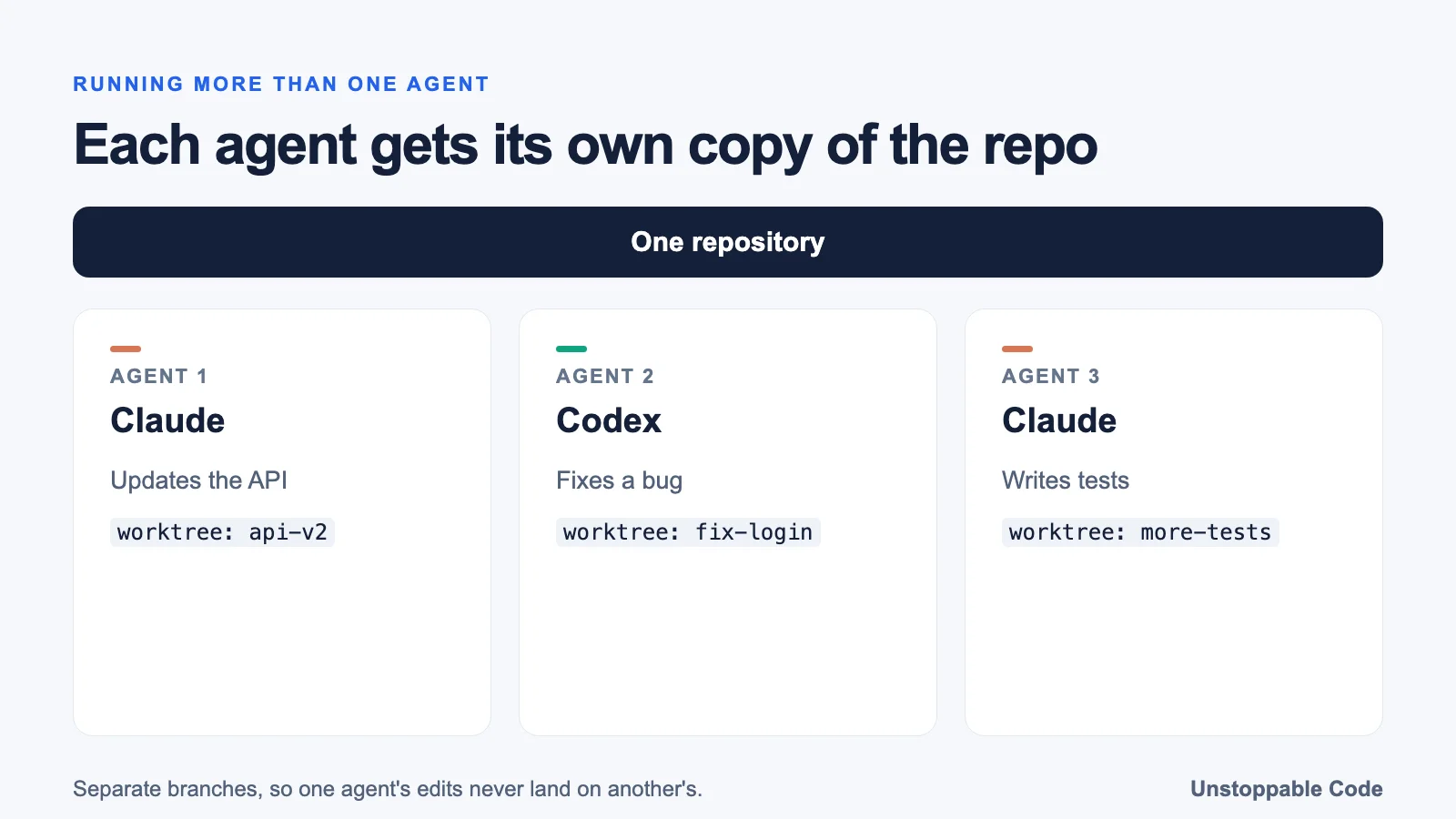
Both tools now run agents in parallel. Cursor does it with cloud agents and Copilot does it with worktrees in its app. Once Claude Code or Codex joins the mix, you're keeping agents apart across a few different apps.
That's the problem we built Unstoppable Code for. It's our app for running AI coding agents side by side. I sign in with the Claude and ChatGPT accounts I already pay for, so the Claude and Codex agents run on my own subscriptions. Each agent works in its own git worktree, a separate copy of the repo on its own branch, so one agent's edits never land on top of another's. It doesn't replace your editor, so it sits fine next to Cursor or an editor with Copilot in it. If you're weighing Copilot against a terminal agent instead, we compared Claude Code vs GitHub Copilot, and Cursor against OpenAI's agent in Codex vs Cursor. New to parallel agents? Start with how to run multiple AI agents at once.
Frequently Asked Questions
What is the difference between Cursor and GitHub Copilot? Cursor is an AI code editor with Tab autocomplete and a built-in agent. It also has a CLI and cloud agents. GitHub Copilot is an assistant and set of agents that works inside editors like VS Code and JetBrains IDEs. It also has its own CLI and desktop app, and it runs on GitHub.com.
Is Cursor better than GitHub Copilot? Neither is better for every developer. Cursor fits people who want one editor built around AI. Copilot fits teams that work on GitHub and want to keep their current editor.
How much does GitHub Copilot cost in 2026? Copilot Free costs nothing. Pro is $10 a month, Pro+ is $39 and Max is $100. Business is $19 a seat and Enterprise is $39 a seat. Usage is counted in GitHub AI Credits worth one cent each.
How much does Cursor cost in 2026? Cursor has a Free plan, Plus at $8 a month (Grok models only), Premium at $30, Super at $100 and Ultra at $200. Teams starts at $30 per user a month.
Can you use Claude models in Cursor and GitHub Copilot? Yes. Copilot's model list includes Claude, paid from your AI credits. Cursor offers Claude and other non-Grok models on Premium or higher, billed separately at API list price.
Sources
- Pricing, Cursor, checked November 26, 2026.
- Agent overview, Cursor Docs, checked November 26, 2026.
- Cloud Agents, Cursor Docs, checked November 26, 2026.
- JetBrains integration, Cursor Docs, checked November 26, 2026.
- Cursor is now a part of SpaceX, Cursor blog, August 14, 2026, checked November 26, 2026.
- Plans for GitHub Copilot, GitHub Docs, checked November 26, 2026.
- Copilot billing for individuals, GitHub Docs, checked November 26, 2026.
- Where to use GitHub Copilot, GitHub Docs, checked November 26, 2026.
- About GitHub Copilot agents, GitHub Docs, checked November 26, 2026.
- GitHub Copilot app generally available, GitHub Changelog, June 17, 2026, checked November 26, 2026.
- GitHub Copilot app available to all, GitHub Changelog, July 7, 2026, checked November 26, 2026.