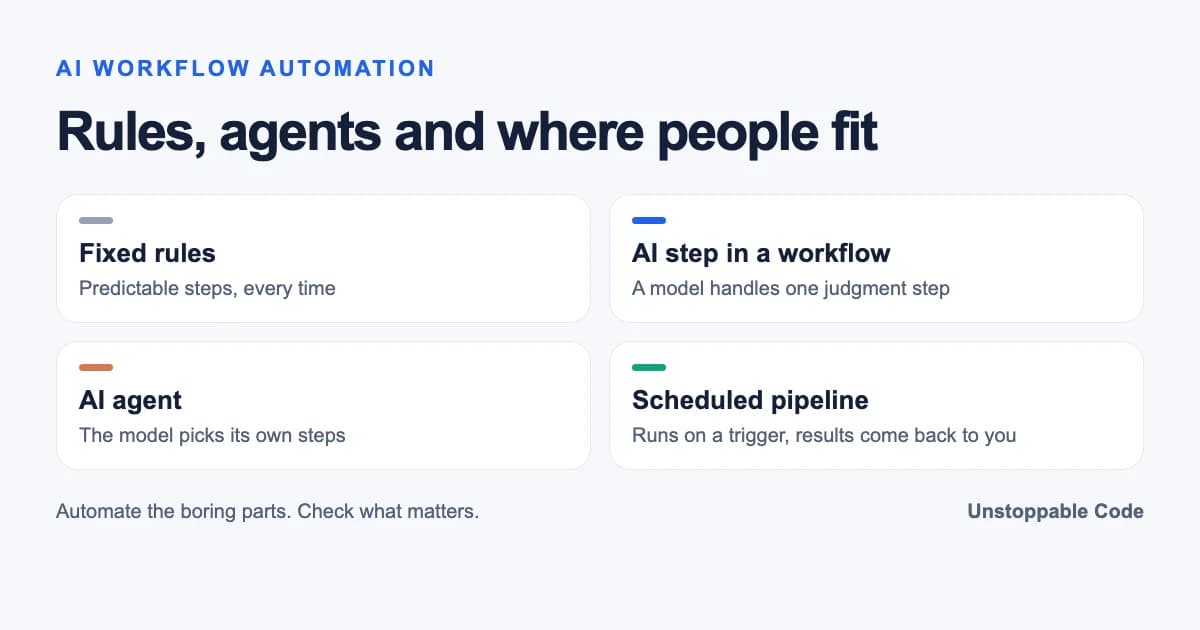

AI workflow automation runs a repeatable task on a trigger and lets an AI model handle the steps that need judgment. Fixed code still does the predictable parts and a person checks anything that's hard to undo.
The Short Answer
| Approach | Who decides the next step | Good for | Watch out for |
|---|---|---|---|
| Rule-based automation | Fixed rules you wrote ahead of time | Moving data between apps when the input is predictable | Every exception needs a new rule |
| AI steps inside a workflow (n8n) | The workflow, with a model handling one step | Summarizing, sorting or drafting inside a set process | Check the model's output before it goes anywhere important |
| AI agent (Zapier Agents) | The model picks its own steps and tools | Open-ended jobs where the steps change each time | Harder to predict and audit |
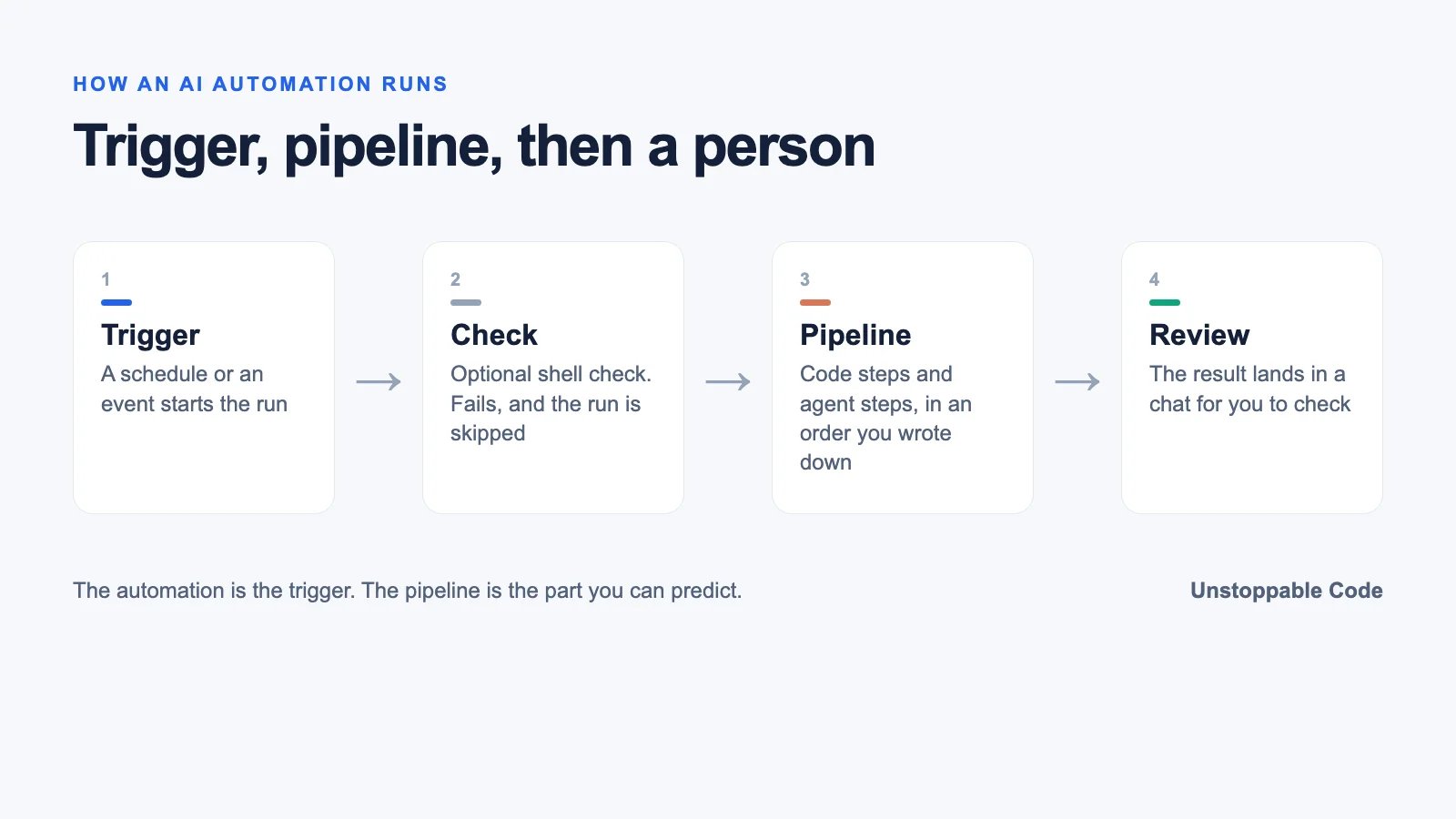
| Unstoppable Code scheduled workflows | A workflow you define, started on a schedule, by hand or by a hook | Recurring coding and admin work in your repos | The results come back to a chat for you to review |
Anthropic draws the same line in its guide to building agents. Workflows run language models through predefined code paths and agents direct their own process and tool use. Most useful AI automation sits closer to the workflow end, because that's the end you can predict.
What counts as an AI workflow?
I think about it in layers and the words matter more than people expect.
To me, a pipeline is more deterministic. It's a structured YAML file that defines the process. A skill is, at the end of the day, a pile of prose that you hope the agent follows. An automation is just a scheduled (or triggered) pipeline.
Automations drive those pipelines. I suppose they're both ways of defining a workflow. I prefer the structured nature of a pipeline, plus the visualization. If anything, the visual nature of stringing together agent and skill steps is valuable to me.
Plenty of tools that get called agents are really workflows and that's fine. A workflow you can predict is usually what you want for a job that runs every day.
What should you automate first?
Start with whatever you keep putting off.
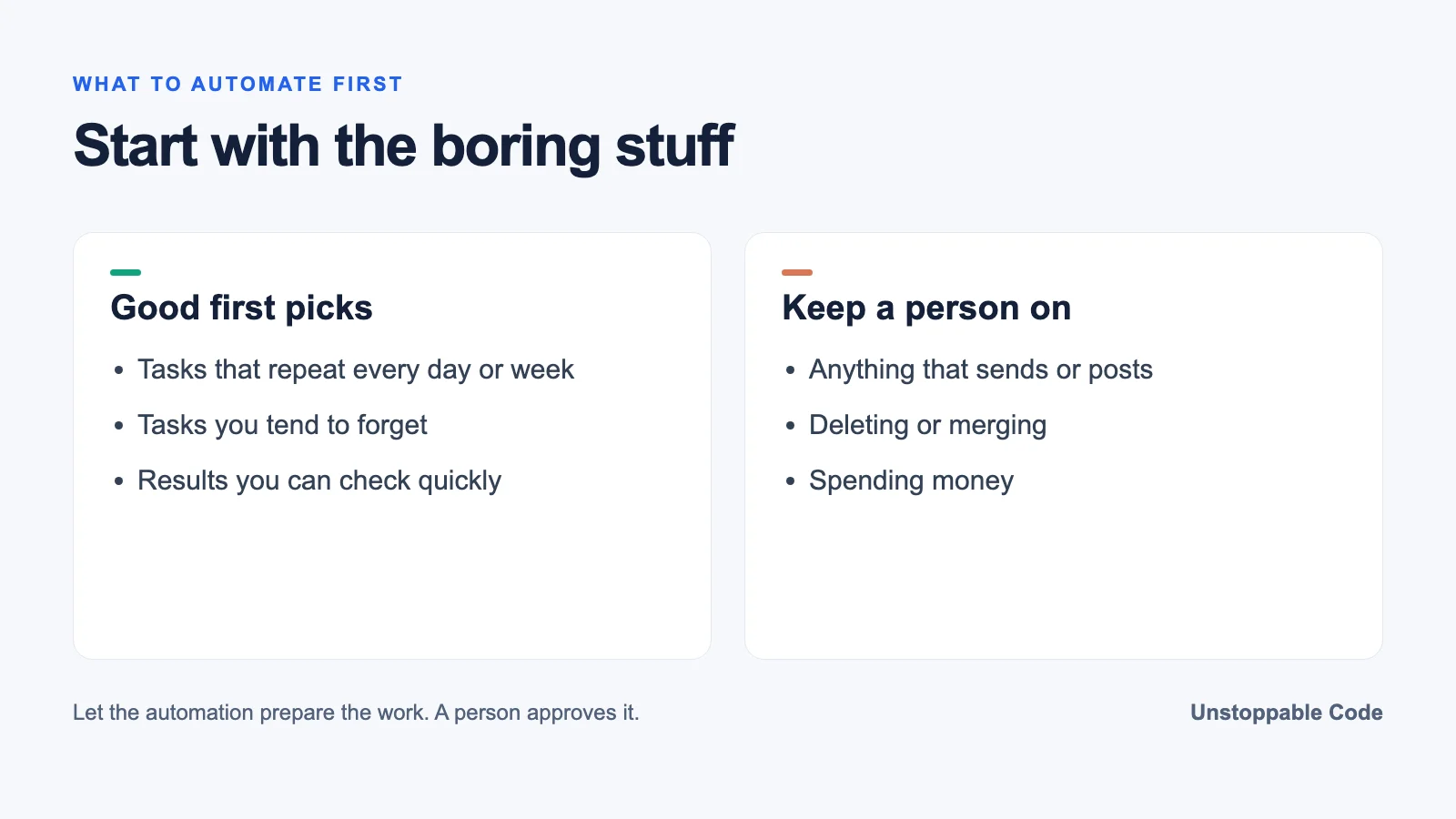
Good first picks look like this. A weekly dependency update that opens a pull request. A morning summary of last night's failed builds. Checking your docs for broken links. Turning a long support thread into a ticket with the steps to reproduce it. None of these are hard, which is exactly why they slip.
The other good source of ideas is your own irritation as a user. If something in a tool you use every day keeps annoying you, hand it to an agent and see how far it gets.
That's most of what my own automations do and I wouldn't go back.
Oh man, well I love the automations. I use them to basically automate away every annoying task that either I hate or typically forget to do. If I had to go "do" all this crap I have automated, it would take forever.
Those picks have something in common. They repeat, you already know what done looks like, and nobody misses doing them by hand.
Try it once by hand before you schedule it
A recurring job should start as a one-off you watched run. Ours started with a simple idea. Give an agent a well-written ticket and let Claude Code do the work.
Then we tried it on low-risk work first. OK, it fixed merge conflicts, ran CI till green, gained approvals and merged 9 PRs. These were all patch-level PRs, as a proof of concept.
That's the pattern. Prove it on small, boring changes, then wrap it in something you control before you put it on a timer.
Mixing models and code steps
Once a task works, the next question is which steps need a model at all.
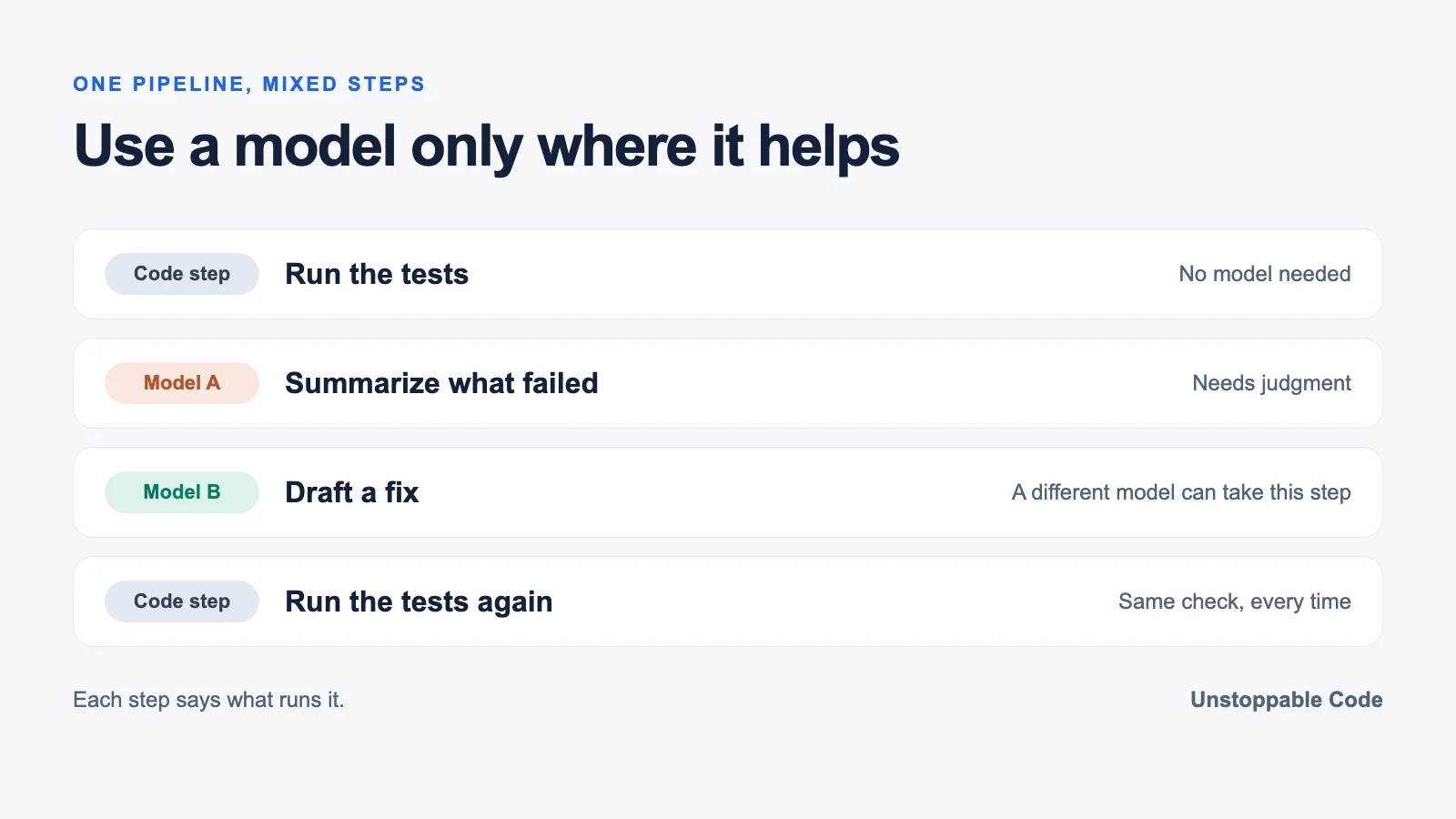
The pipeline is good at mixing models for different steps and adding structured code steps mixed with agent steps. It may not be for everyone, but I like having a structure to how my skill steps will work with each other, and which models they will use, defined.
A step that runs tests or reads a file doesn't need a model. A step that summarizes a failure or drafts a fix does. Tools like n8n let you combine several model providers in one workflow too so this isn't unique to coding.
Agents everywhere gets expensive and messy fast. It is so silly that we have all these layers of agent conversations talking about repairing tests and test-related infrastructure problems and cost.
Sometimes the right call is to take the model out of a step entirely and do it the simple way.
Where a person stays in the loop
None of this runs itself forever. One setup I like has an agent grade its own output. I like the idea of an agent making a video, then analyzing the video and making recommendations.
Someone still has to read those recommendations, though. Right now, the human has to enter the loop here and triage the recommendations. There's no automatic self-improvement the way it's set up.
That's on purpose. n8n has human approval steps for AI tool calls for the same reason and the same goes for code an agent writes. At the end of the day, you're responsible for what you merge.
Automations that watch for you
The other half is watching. To me, this is a fallback to make sure something is constantly keeping an eye on things we care about.
That's how I use Unstoppable Code. A scheduled workflow runs a chat prompt or a multi-step workflow on a timetable, can skip the run when its If command fails, and posts the result back into a chat. A Watcher is even simpler. You ask an agent in a chat to watch a workflow and tell you when it finishes. The workflows walkthrough shows the setup, running an automation only when a check passes covers the gate, and you can build a pipeline by asking in chat if YAML isn't your thing.
I'm automation crazy. Unstoppable Code is legit saving me so much time.
Frequently Asked Questions
What is AI workflow automation? A repeatable task that starts on a schedule or an event, where code handles the predictable steps and an AI model handles the steps that need judgment.
Is an AI agent the same as an AI workflow? No. Anthropic describes workflows as models following predefined code paths and agents as models choosing their own steps and tools.
Which tasks should I automate with AI first? Repeating ones you can check quickly, like the chores you keep forgetting.
Do AI automations need human review? Yes, for anything that sends, deletes, merges or spends money, so let the automation prepare the work and have a person approve it before it goes out.
Should every step in an AI workflow use a model? No. Steps like running tests or reading files work better as plain code and a model only earns its place where judgment is needed.
Sources
- Building effective agents, Anthropic, checked November 17, 2026.
- Integrate AI, n8n Docs, checked November 17, 2026.
- Human-in-the-loop for tools, n8n Docs, checked November 17, 2026.
- Zapier Agents, checked November 17, 2026.